360° Content & WebVR
During the first exercise, I learnt how to create a 360 video in Blender. I made a straightforward video first to fully understand how to achieve 360-degree videos on YouTube and how the visuals would turn out. I had never explored VR and 360 work; therefore, after a few attempts, I gained a greater understanding of how to do it within Blender, which helped me with world-building.
First, using Blender, I adjusted the camera settings and followed all the steps outlined for curating a 360-degree video for YouTube. I rendered the video in Blender, adjusting specific settings to reduce the rendering time.
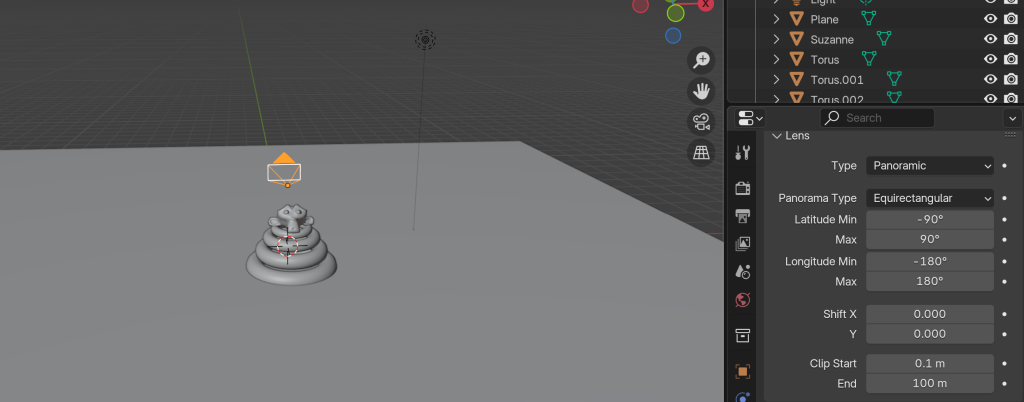
For the main video, I created the moon landing footage. I added shading for the sky and geometry nodes for the moon texture on the floor.
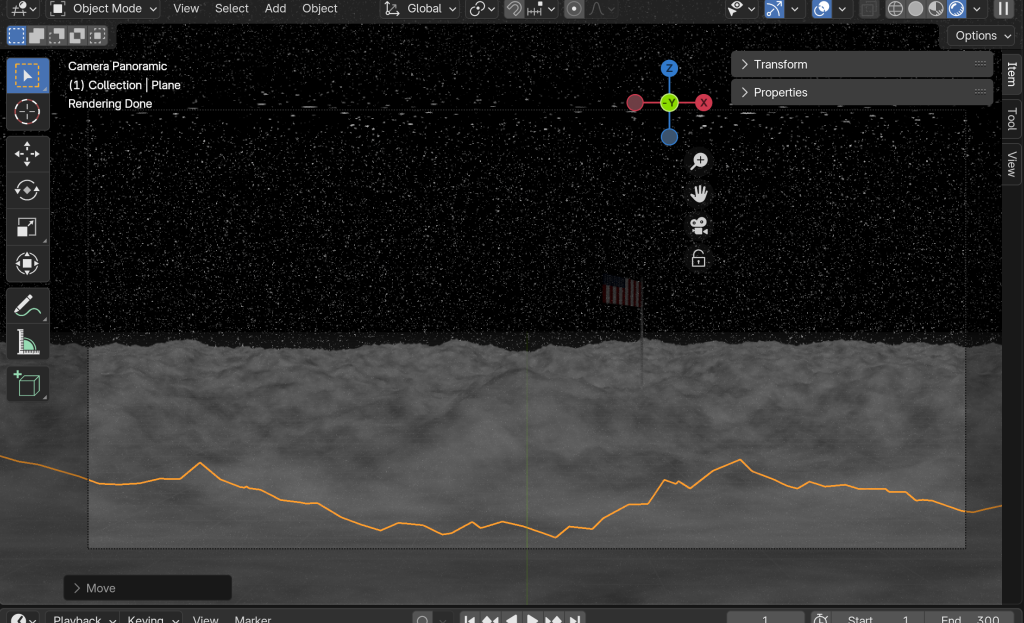
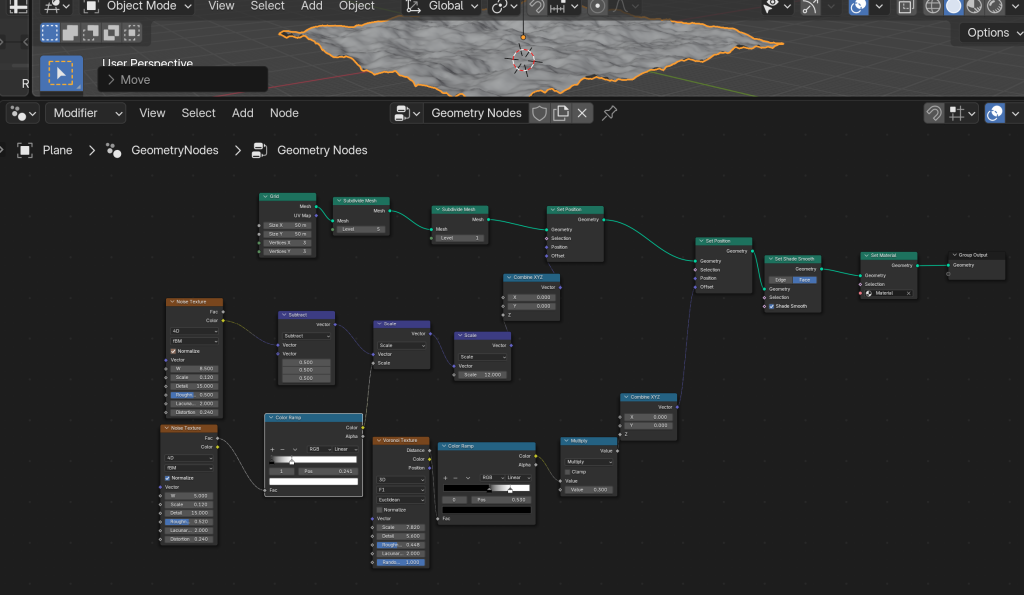
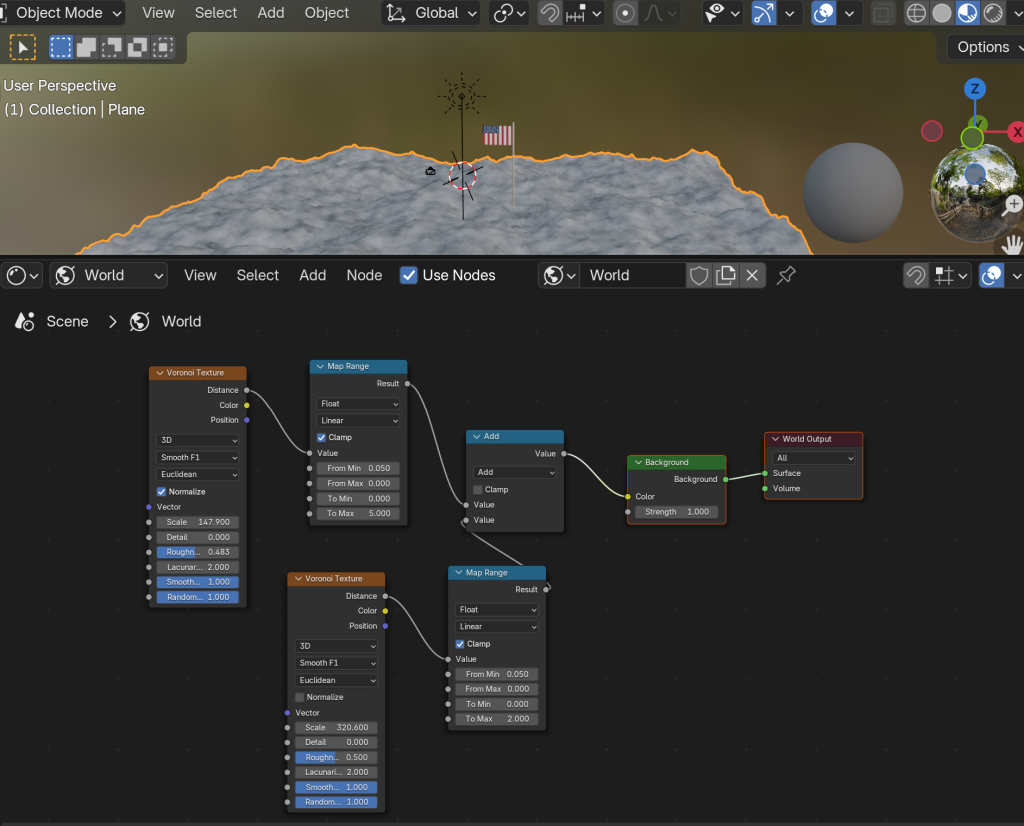
For my final video, I adjusted the camera settings and followed all the instructions on how to export the video to YouTube using Premiere Pro VR options. The Moon Landing video came out structurally and visually correct; however, the quality is low, as I chose the lowest image quality and render settings to expedite the process. In the future, I would change this to better settings to achieve greater quality. I explored beyond the set exercises and attempted to use shading and geometry nodes visually.
Creating an environment like this is essential in 360 videos, as it feels immersive for the viewer. I added very low lighting and a vast feel to make the scene realistic. Including a stretch of stars that the viewer can view by looking around, and the same goes for the moon material. The quality does let the feeling of immersion down, however, I’ve learnt from this and will improve on it in future. As this is an exercise and the geometry nodes took a long time to figure out, I didn’t add sound, but the moon would not make a sound, so it works for this instance. The colours are muted and dark to express that realistic feel.
The following exercise was within WebVR, a media format I had never used before, but I quickly gained a good understanding. My WebVR room was fabricated into a photography Gallery based on a project I did in college. I layered the photographs to present them in an interesting way and included an introductory box in the middle so that viewers understand it’s a photography exhibition named Edgelands. I added music to set the soft and urban tone of the gallery.
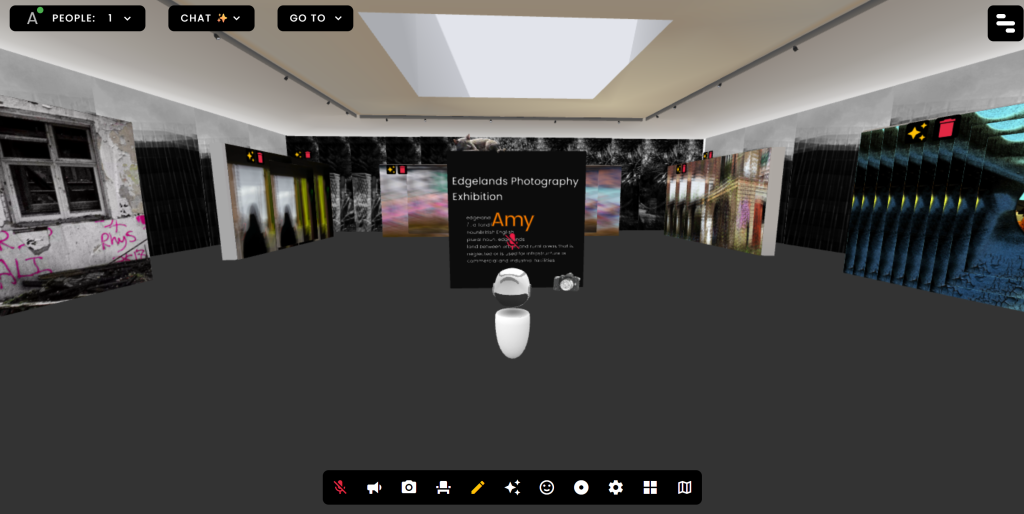
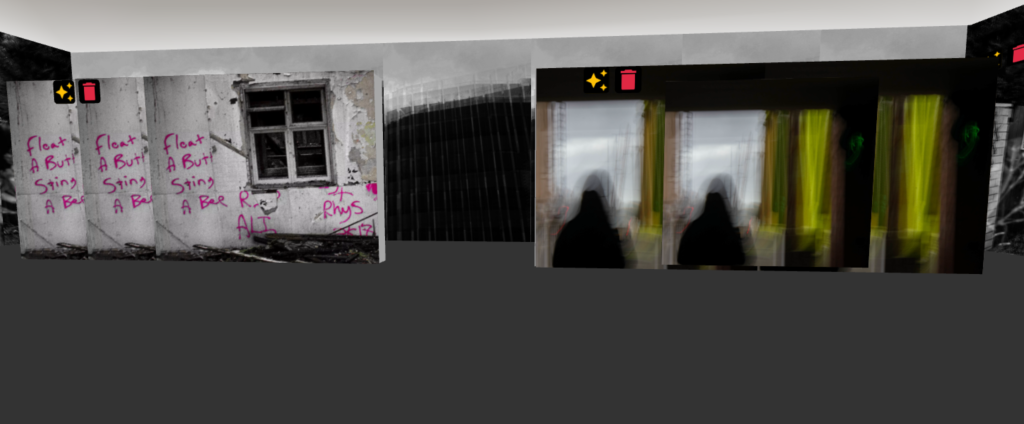
Take a look at the gallery here: https://framevr.io/stargazing
Both of these immersive AR can be used for a vast number of things. For the 360 video, it could be used to promote a movie or game, or to portray a story through a more immersive setting. With Framevr, you can showcase art in an exhibition like I have, without having to set it up and display the work in an actual gallery. Very useful for showcasing portfolio work in a new and innovative way.
Augmented Reality & VR
For the third exercise, we used 8th Wall to curate different web-based AR experiences. I practiced with the workspace of 8th with the intro video to become comfortable with the program. After that, I focused on fabricating an image target. I used a poster in my room as my target. I had to choose something simple to replicate. Using Sketchfab, I found a 3D model of the poster’s doll. This feature would be a fun way to promote products, such as by using a poster and adding animation details to make it more advanced. For the best user experience, I ensured that the 3D model is in clear view when you scan the poster, allowing viewers to move around it and explore beyond the poster’s figure. That’s why I chose this poster as it has something it can showcase in the 3D world.
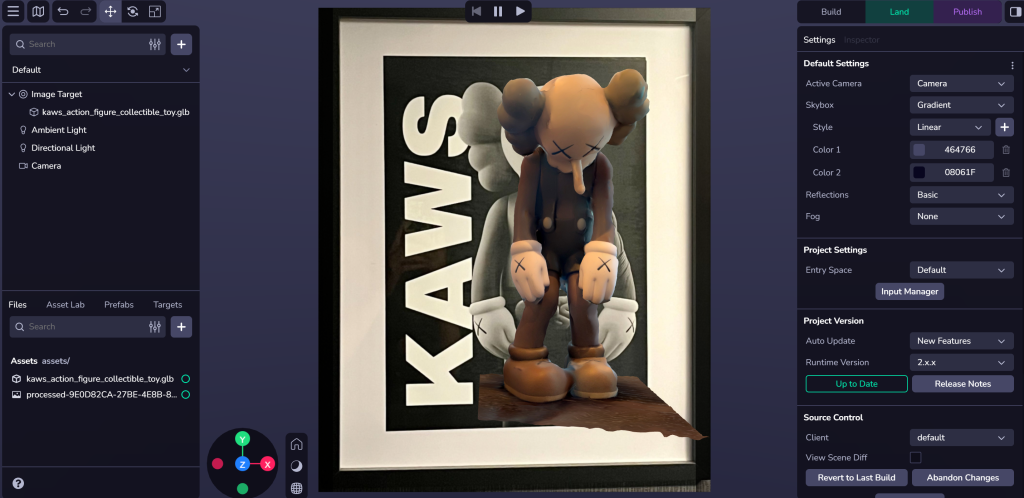
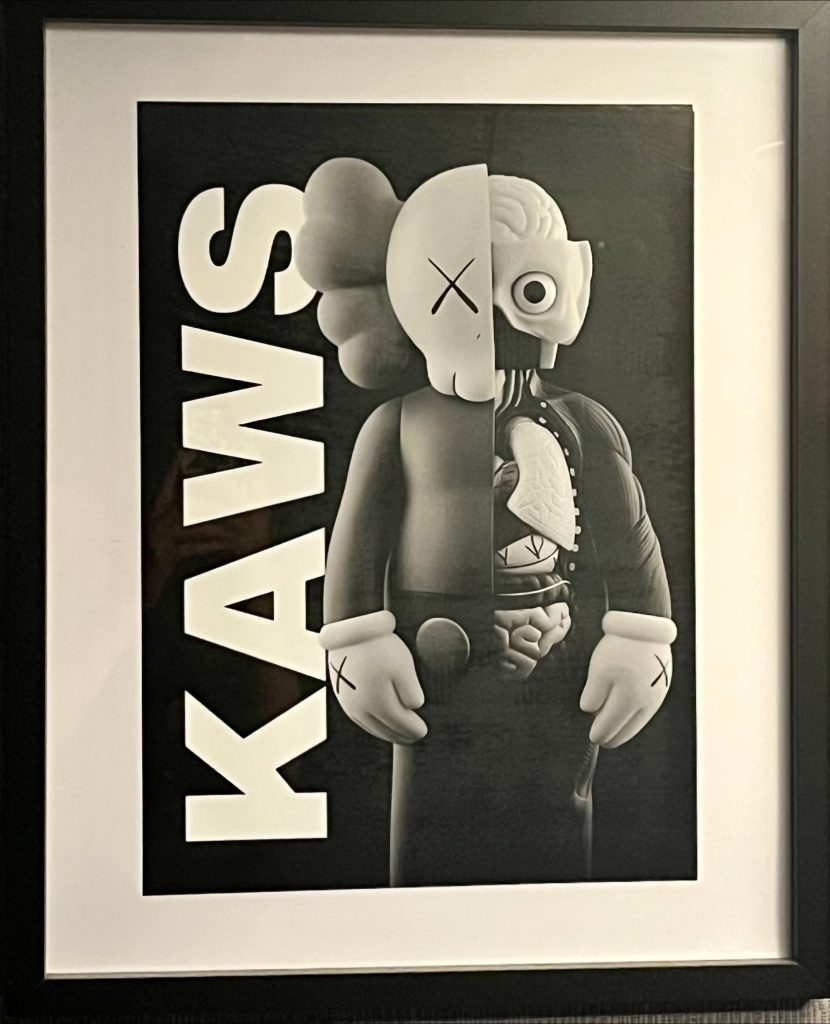
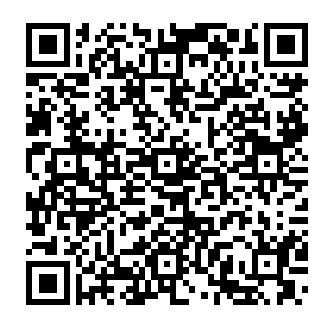
You can try the imagine target AR yourself by scanning the QR code above and pointing your camera at the Kaws poster.
Next, I explored 3D scanning myself using the Scaniverse app. To practice, I scanned a few things using the splats technique in my room and uploaded them to the 8th wall. I tried to create a world effect with one of my scans; however, it didn’t work in the real world.
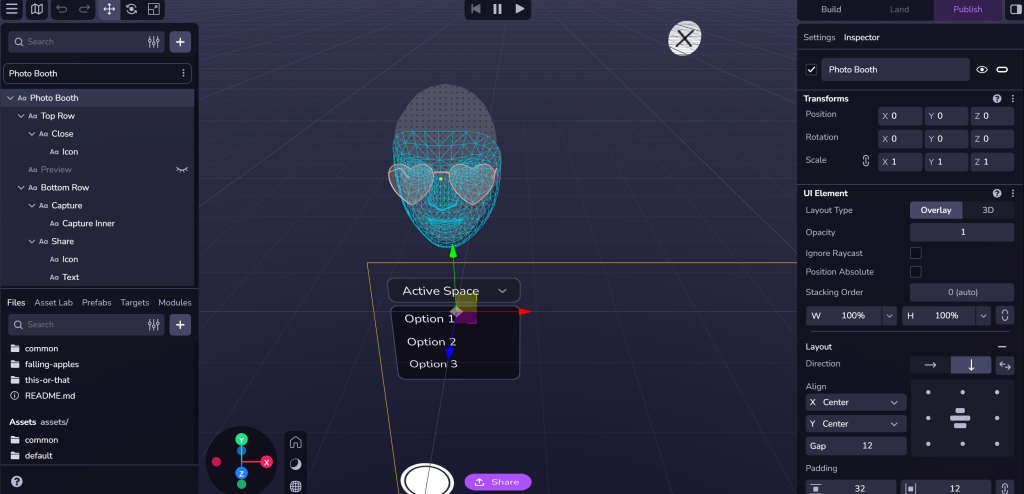
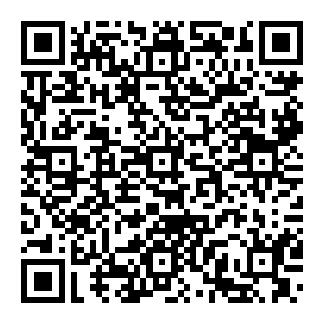
Finally, I tried out the face effect, which allows you to add funny glasses, hats, and accessories using your phone’s camera. For mine, I downloaded some glasses off Sketchfab so anyone can wear them. This would be a fantastic way to advertise accessories like hats, jewellery and even makeup.
VR Art & Immersive Storytelling
Finally, I delved into VR Art, which was distinctly different from the rest of the media, as it is experienced within a VR headset. Painting with your hand in 3D gives users a great deal of freedom and a unique way to display art. As the designer, you must consider how the piece will appear from every angle and how others will interact with it. For my practice project, I created a large-scale model of a person, not a specific one, but rather a fictional one. This allowed me to explore each brush style and stroke to see what kind of texture and animation it creates.
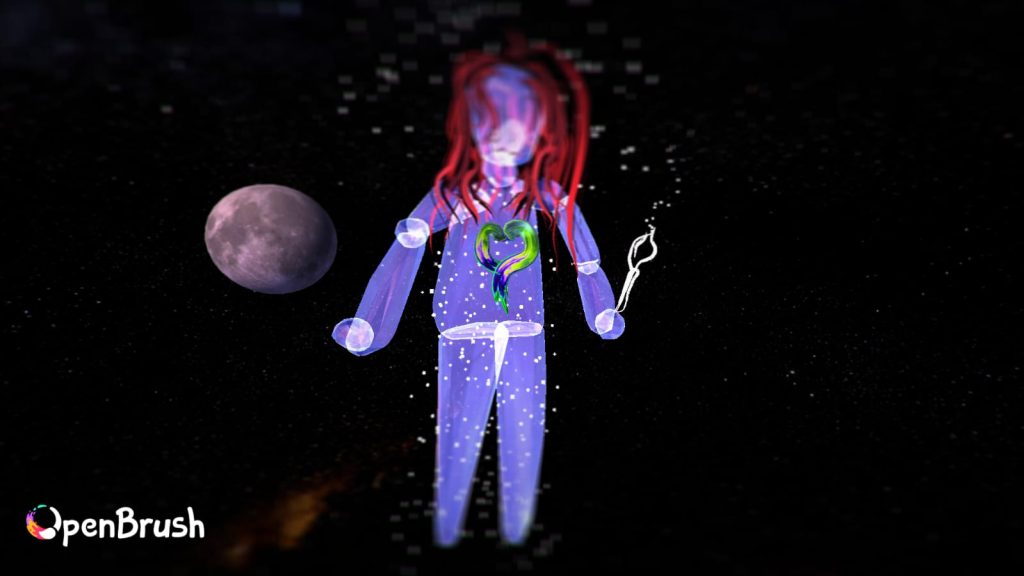
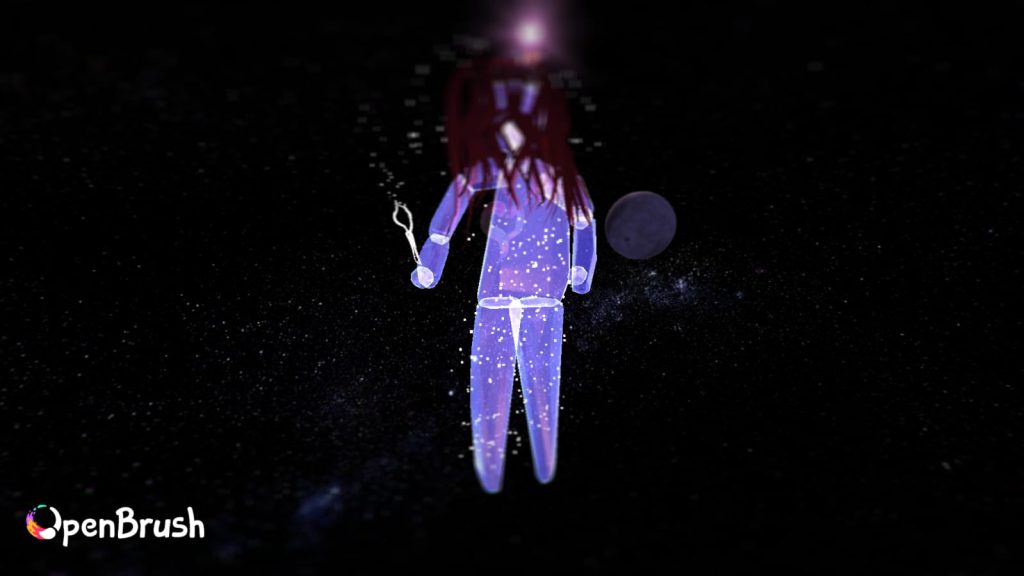
I found that a specific brush style made a very realistic hair stroke, as well as other details of my character. Designing and fabricating art in this form is very different from drawing on a 2D piece of paper, as I have to consider the shaping of every aspect of my model and apply even details to each side of the character. As I was exploring, I found the mirror tool, which is perfect for this exact detail. Open Brush also allows you to scale each art object made down or up if you wish, so you can still adjust and tweak objects without ruining them or having to start over.
References
Pixabay (NA) United, Flag, States royalty-free vector graphic. Free for use & download*. https://pixabay.com/vectors/united-flag-states-of-america-26967/ [25/10/25].
Sketchfab (2022) KAWS action figure collectible toy*. https://sketchfab.com/3d-models/kaws-action-figure-collectible-toy-2174478b91cc486781ee568c039a578c [25/10/25].
Sketchfab (2020) Heart-shaped glasses*. https://sketchfab.com/3d-models/heart-shaped-glasses-97cbff16eec648fdb211ea58159bd9ba [25/10/25].
FMA (NA) Urban Demons (cool jazzy lo fi hip hop).mp3*. https://freemusicarchive.org/search?adv=1&quicksearch=urban%20demons&& [25/10/25].